
Installation guide for the Rockwell Automation ControlLogix Remote I/O (RIO) module 1756-RIO/B, covering environment requirements and installation steps.
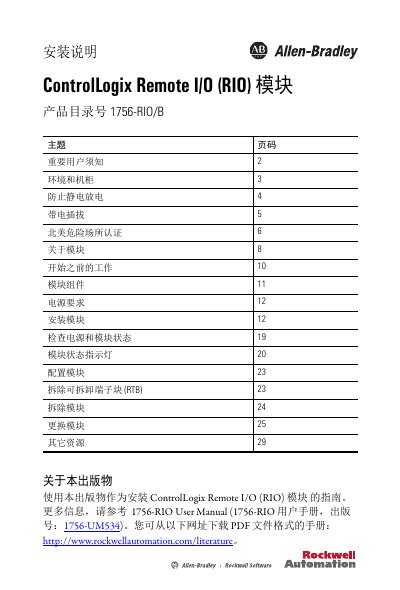
This document serves as a guide for installing the ControlLogix Remote I/O (RIO) module, product catalog number 1756-RIO/B. It covers essential user notices such as environmental and cabinet requirements, static discharge prevention, hot-swap precautions, and North American hazardous location certifications.
The manual details pre-installation tasks including identifying components, checking power requirements, and ensuring the correct firmware version (3.1 or higher) is installed on the module. It also references related documentation for rack installation and programming software setup. This manual is written in Chinese.
The product catalog number is 1756-RIO/B.
The module requires firmware version 3.1 or higher.
RSLogix 5000 version 17 or higher and RSLinx version 2.54 or higher are required.