
User guide for the Rapoo H3050 wireless headset covering charging, wired and wireless setup, configuration and troubleshooting.
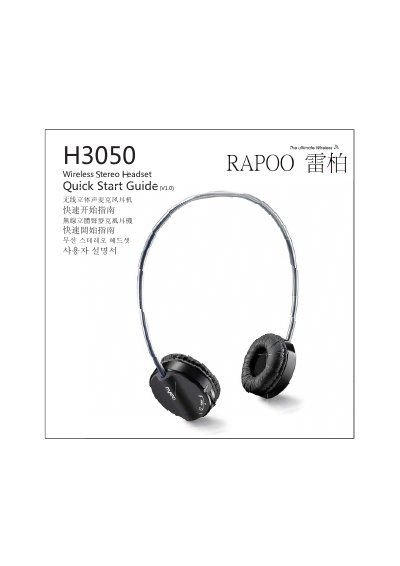
This document is the user guide for the Rapoo H3050 wireless headset. It lists the package contents (headset, transmitter, USB charging cable and 3.5mm to USB audio cable) and explains how to charge the headset, use it in wired mode with a 3.5mm to USB audio cable, and use it in wireless mode with the USB transmitter.
The guide also covers microphone configuration on Windows XP and Windows 7/Vista, and a troubleshooting section addressing problems such as no sound, msn/skype callers not hearing you, bad sound quality, volume drop-outs and the ear cover not rotating. It ends with warranty information for several regions.
| Maximum wireless range | 8 m |
|---|---|
| Package contents | Headset, transmitter, USB charging cable, 3.5mm to USB audio cable |
| Charging indicator | Red LED on while charging, off when fully charged, blinks on low battery |
| Connection indicator | Green LED blinks then stays on when connected |
| Supported operating systems | Windows XP, Windows 7 / Vista |
| Warranty | One-year limited hardware warranty |
Make sure the headset is charged, set "Rapoo Wireless Audio" as your default audio device, restart the media player, and try another USB port for the transmitter.
Increase the microphone volume and the volume in the msn/skype software, and check that the wireless headset is set as the default device in msn/skype.
No, under wired mode the headset's volume control does not work; use the volume control of your PC or media playing software instead.
Push the headband to the bottom and then rotate the ear cover to flatten it.