
The Rapoo E9100M wireless keyboard quick start guide provides pairing instructions for Bluetooth and 2.4 GHz receiver, system requirements, and compliance…
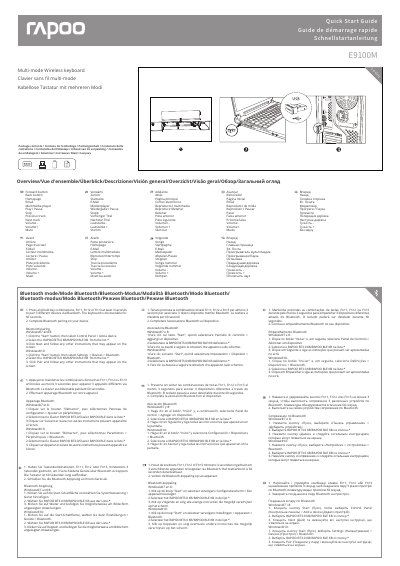
The Rapoo E9100M is a multi‑mode wireless keyboard that can connect to computers and other devices via Bluetooth or a 2.4 GHz USB receiver. It supports up to three paired Bluetooth devices and allows easy switching between them using the Fn+1, Fn+2, Fn+3 and Fn+4 key combinations.
This quick start guide explains how to pair the keyboard, lists the required system specifications, and includes regulatory compliance statements, FCC and ISEDC radiation exposure notices, as well as warranty details. It also offers troubleshooting tips for possible radio interference.
| Connectivity | Bluetooth and 2.4 GHz receiver |
|---|---|
| Maximum Bluetooth paired devices | 3 |
| Supported operating systems | Windows XP/Vista/7/8/10 or later |
The keyboard can be paired with up to three Bluetooth devices simultaneously.
Try reorienting or relocating the receiving antenna, increase the separation between the keyboard and the receiver, or use a different circuit outlet. If the problem persists, consult a dealer or technician.