
Philips S-ATA Drives Installation Guide

Step-by-step guide for installing internal S-ATA drives, including opening the computer, connecting cables, and securing the drive.
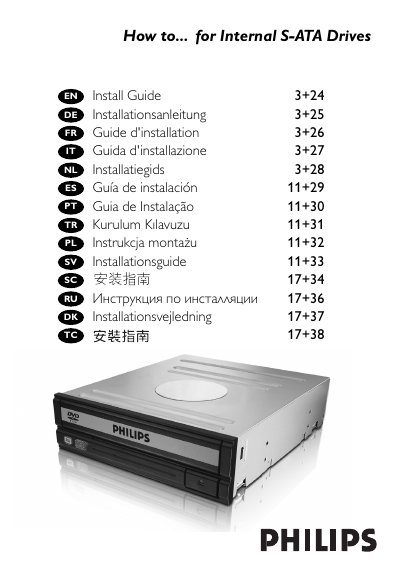

Philips S-ATA Drives Installation Guide - cover page
Brand
Philips
Category
Other Computer Accessories
Document type
Installation Guide
Language
English
Pages
42
File format
PDF
File size
4.6 MB
Published
13 March, 2012
Updated
03 November, 2026
MD5 checksum
4C8C94BB7D3CE50DFE88CEC45ABAC6A9

About this manual

This guide provides instructions for installing an internal S-ATA drive into a computer. It covers steps such as turning off the computer, disconnecting power, grounding yourself to avoid electrostatic damage, opening the computer case, connecting the S-ATA data and power cables, securing the drive with screws, and reassembling the case. The guide is multilingual and includes safety precautions for handling the device.

What's inside

  • How to install
  • Opening the computer
  • Connecting S-ATA data cable
  • Connecting S-ATA power cable
  • Securing the drive with screws
  • Reconnecting cables and restarting computer
  • Safety precautions

Frequently asked questions

What items are included in the product box?

The box contains the new drive, this manual, and four screws in a small bag.

What safety step must be taken before touching the computer case?

You must touch an unpainted metal part, such as a heating unit or an unpainted part of the computer case, to avoid electrostatic discharge damage.

Download PDF (4.6 MB)

More Philips Manuals


View all Philips manuals →