
The Philips E6 wireless satellite speakers and subwoofer user manual provides setup, connection, calibration, usage, and troubleshooting instructions.
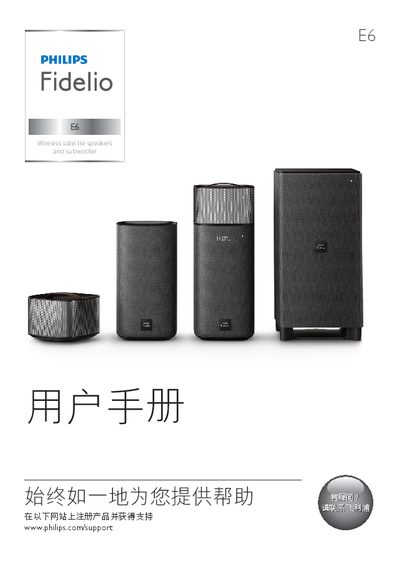
This manual describes the components of the Philips E6 system, including the main unit, remote control, wireless surround speakers and a wireless subwoofer. It explains how to connect the speakers to power, TV, and other audio sources via HDMI, optical, coaxial, USB, Bluetooth, and NFC.
The guide also covers acoustic calibration steps, how to charge the wireless speakers, adjust volume and sound modes, update software, and resolve common issues such as no sound, Bluetooth pairing problems, and battery‑level warnings. This manual is written in Chinese.
| Total output power | 192 W RMS |
|---|---|
| Frequency response | 20 Hz – 20 kHz ±3 dB |
| Signal‑to‑noise ratio | > 65 dB (CCIR) |
| Bluetooth version | 4.1 |
| Power supply | 110‑240 V, 50‑60 Hz |
| Dimensions (main unit) | 161 mm × 302 mm × 161 mm |
| Weight (main unit) | 2.4 kg |
Press and hold the reset button with a pin for 5 seconds to restore the default settings.
Insert the wireless surround speakers into the main unit; the orange LED lights while charging and turns off when fully charged.