
The Philips 243S5 monitor user manual provides safety instructions, setup steps, image optimization, technical specifications, power management, warranty…
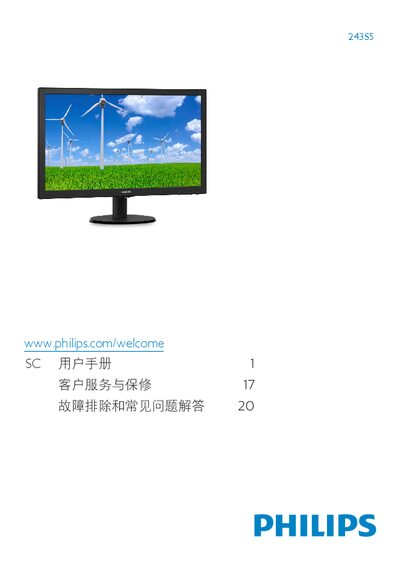
This manual covers important safety measures, proper installation, and operation of the Philips 243S5 LCD monitor. It explains how to mount the stand, connect video and audio cables, and adjust the on‑screen display (OSD) settings.
The guide also details image‑optimization features such as SmartContrast and SmartResponse, lists full technical specifications, outlines power‑saving options, and provides warranty and service information along with a comprehensive troubleshooting FAQ. This manual is written in Chinese.
| Panel size | 23.6" (59.9 cm) |
|---|---|
| Resolution | 1920 x 1080 @ 60 Hz |
| Panel type | TN‑LCD |
| Backlight | W‑LED system |
| Response time (typical) | 5 ms |
| SmartResponse time | 1 ms |
| Color depth | 16.7 million colors |
| Viewing angle | 170° (H) / 160° (V) |
| Typical power consumption | 20.1 W |
Set the display resolution to the monitor’s native 1920 × 1080 @ 60 Hz using the operating system’s display settings.
Wipe the screen with a clean, soft dry cloth; you may lightly dampen it with isopropyl alcohol, but avoid solvents such as ethanol, acetone, or gasoline.