
Chinese user manual for the Ohaus Scout SPX electronic balance covering installation, operation, safety, and technical specifications.
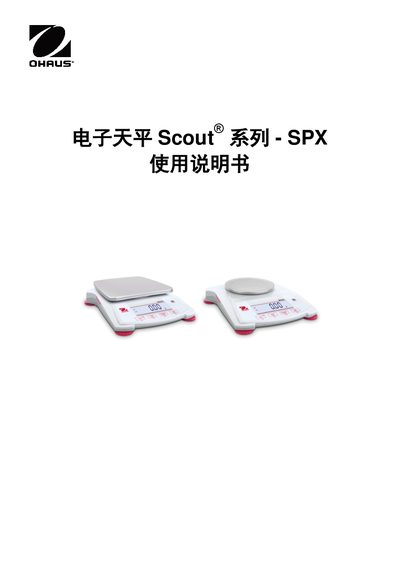
The manual provides step‑by‑step instructions for installing, powering, and operating the Scout SPX electronic balance. It includes safety warnings, assembly of the weighing pan, connection of the AC adapter or batteries, and detailed guidance on using the various weighing modes.
Menu navigation, calibration procedures, and technical parameters for each SPX model are described, along with compliance information and warranty registration details. This manual is written in Chinese.
| Maximum range (model SPX222ZH) | 220 g |
|---|---|
| Readability (model SPX222ZH) | 0.01 g |
| Maximum range (model SPX622ZH) | 620 g |
| Readability (model SPX622ZH) | 0.01 g |
| Maximum range (model SPX2201ZH) | 2200 g |
| Readability (model SPX2201ZH) | 0.1 g |
| Repeatability (all models) | 0.01 g (0.1 g for 2200 g/6200 g models) |
| Linearity (all models) | 0.01 g (0.02 g for 2200 g/6200 g models) |
| Calibration weights (model SPX222ZH) | 100 g, 200 g |
| Power supply | 5 V DC 1 A adapter or 4 × AA batteries |
| Battery operation time (20 °C) | 120 h (80 h for some models) |
| Display | LCD with white LED backlight |
| Weighing pan size | 120 mm (diameter) |
| Net weight | 1.0 kg (gross 1.5 kg) |
Enter the user menu, select the calibration submenu, and follow the on‑screen prompts to perform range and linearity calibration using the appropriate calibration weights.
Long‑press the mode key until the desired mode (e.g., [wWeIGH] for weighing, [Count] for counting) appears on the display, then confirm with the OK key.
The balance can be powered from an AC adapter (5 V DC 1 A) or from four AA batteries inserted into the battery compartment.
Press and hold the menu key until the menu label appears, then use the navigation keys to move through sub‑menus such as Calibration, Setup, Mode, and Unit.