
The Ohaus RC2000 electronic counting scale operation manual provides installation, usage, and maintenance instructions.
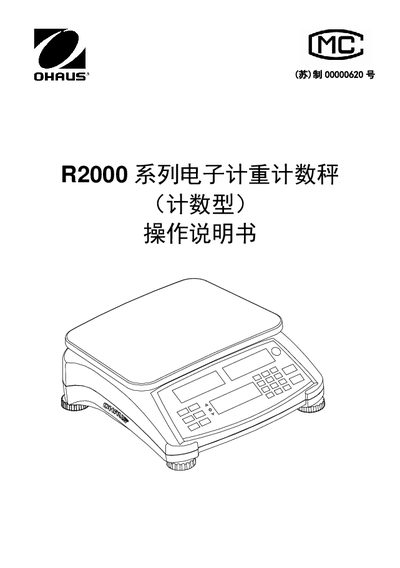
This manual introduces the RC2000 series electronic counting scale, covering safety precautions, installation steps, power connection, and battery operation. It explains how to set up the scale on a stable, level surface and how to adjust the four leveling feet using the built‑in level bubble.
The document details the operation panel, button functions, counting and accumulation modes, weight check limits, and procedures for tare, average unit weight setting, and sample weighing. Warranty, product registration, and contact information are also provided. This manual is written in Chinese.
| Battery charging time (first use) | ≥ 12 hours |
|---|---|
| Level adjustment method | Adjust four feet to center the level bubble |
| Power‑on procedure | Press and hold power key for 1 second |
Press and hold the power key for about one second; the display will start and show the software version before entering weighing mode.
Battery replacement must be performed by an authorized dealer; using the wrong battery or improper connection can cause explosion.
Use the four adjustable feet to move the level bubble to the center of the level indicator.