
The NVIDIA Jetson Nano Developer Kit User Manual provides setup steps, hardware connections, software configuration, and example programs.
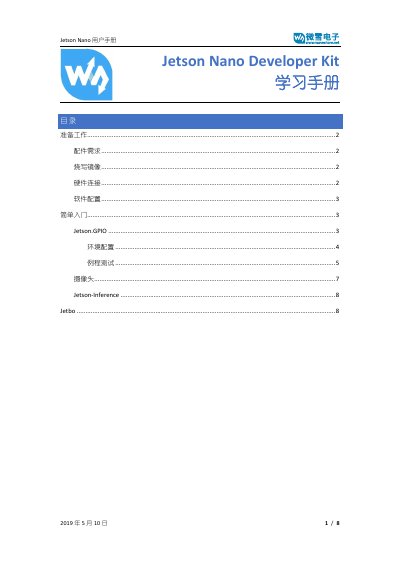
This manual guides users through preparing the Jetson Nano Developer Kit, including required accessories such as a 16 GB+ SD card, HDMI or DP display, 5 V / 2 A power supply, keyboard, mouse, and a MIPI‑CSI camera. It explains how to flash the Jetson Nano image, connect peripherals, and power the board.
Further sections cover software setup, installing the Jetson.GPIO library, configuring the environment, and running example scripts that control LEDs, read button inputs, and test cameras. The guide also introduces Jetson‑Inference and JetBot projects with build and execution instructions. This manual is written in Chinese.
| Minimum SD Card Size | 16 GB |
|---|---|
| Power Supply | 5 V / 2 A |
| Display Interface | HDMI or DP |
| Camera Interface | MIPI‑CSI |
Download the image from NVIDIA’s website and write it to the SD card using Win32 Disk Imager or Etcher.
A 5 V / 2 A power supply is needed.
Clone the repository from GitHub, move it to /opt/nvidia, and run sudo python3 setup.py install.
Use gst-launch with nvarguscamerasrc for a CSI camera or v4l2src for a USB UVC camera.