
This is the user manual released by NVIDIA about using RAID configuration
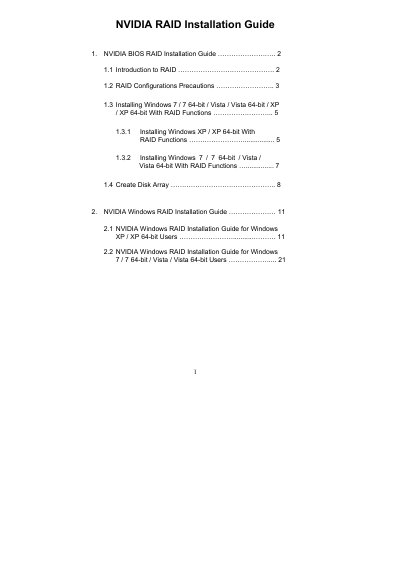
This guide explains how to set up RAID arrays with NVIDIA RAID Utility, including BIOS configuration, driver preparation, and creating disk arrays. It covers RAID 0, RAID 1, RAID 0+1, RAID 5 and JBOD, and provides precautions such as using identical drives and backing up data before configuration.
The document also details the installation procedures for Windows XP, Vista, and Windows 7 in RAID mode, showing how to load the NVIDIA RAID driver during OS setup and how to initialize and format the newly created array.
| Supported RAID Levels | RAID 0, RAID 1, RAID 0+1, RAID 5, JBOD |
|---|---|
| Default Stripe Block Size | 64 KB (range 8 KB‑128 KB) |
NVIDIA RAID Utility supports RAID 0, RAID 1, RAID 0+1, RAID 5 and JBOD.
Enter the BIOS Setup Utility, go to Advanced → Storage Configuration, and set the “SATA Operation Mode” option to [RAID].
The default optimal stripe size is 64 KB, but you can choose any value between 8 KB and 128 KB.
Yes, you should back up your data before creating RAID functions to avoid data loss.