
This document describes how to install Windows 2000/XP/XP 64-bit/Vista/Vista 64-bit on a system with RAID function, and create disk arrays.
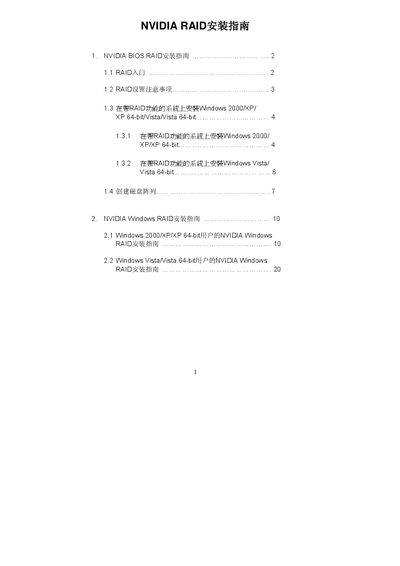
The NVIDIA BIOS RAID Installation Guide introduces the NVIDIA RAID Utility and describes the supported RAID levels (RAID 0, RAID 1, RAID 0+1, RAID 5, JBOD). It explains the prerequisites, BIOS settings, and driver preparation needed before creating an array.
Step‑by‑step instructions cover entering the RAID setup utility, defining a new array, selecting striping block size, and finalizing the configuration. The guide also details how to install Windows, load the RAID drivers during OS setup, and partition/format the newly created RAID volume. This manual is written in Chinese.
| Default striping block size | 64 KB |
|---|---|
| Supported RAID levels | RAID 0, RAID 1, RAID 0+1, RAID 5, JBOD |
It supports RAID 0 (striping), RAID 1 (mirroring), RAID 0+1 (stripe‑mirroring), RAID 5 and JBOD.
Enter the BIOS setup, go to the Advanced screen, and set the “SATA Operation Mode” option to RAID.
Press F10 during boot to enter the RAID setup utility, choose “Define a New Array”, select the RAID mode, and move the desired disks from Free Disks to Array Disks.