
This document describes how to use the RAID function on NVIDIA motherboards, including RAID 0, RAID 1, RAID 0+1, JBOD and RAID 5
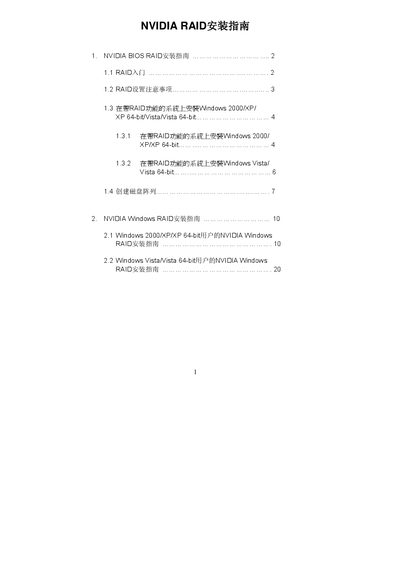
This guide explains how to enable and configure NVIDIA RAID in the BIOS environment, including creating RAID 0, RAID 1, RAID 0+1, RAID 5 and JBOD arrays. It provides detailed instructions for preparing the SATA/SATAII drives, selecting RAID mode, and using the NVIDIA RAID Utility to define new arrays.
The second part covers Windows RAID installation for Windows 2000/XP/XP 64‑bit, Vista and Vista 64‑bit. It shows how to install the NVIDIA RAID driver, create, delete or rebuild arrays, and complete the partitioning and formatting steps required to use the new RAID volume. This manual is written in Chinese.
| Supported RAID modes | RAID 0, RAID 1, RAID 0+1, RAID 5, JBOD |
|---|---|
| Default stripe size | 64 KB |
| Stripe size range | 8 KB – 128 KB |
The guide recommends keeping the default stripe size at 64 KB, which is the optimal setting.
Yes, the guide warns to back up your data before creating or clearing a RAID array to avoid data loss.