
This document describes how to configure RAID functions using NVIDIA RAID Utility
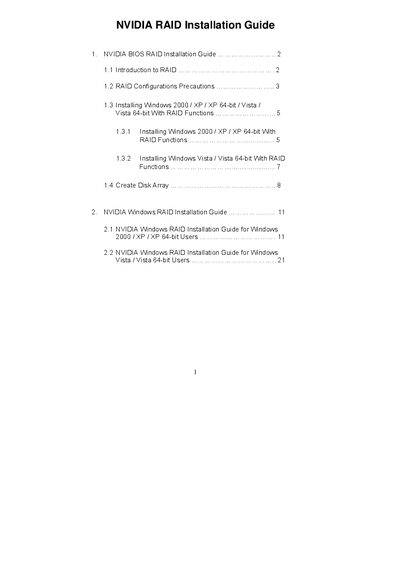
The NVIDIA RAID Installation Guide provides step‑by‑step instructions for enabling RAID mode in the BIOS, using the NVIDIA RAID Utility to create and manage RAID arrays (RAID 0, RAID 1, RAID 0+1, RAID 5, and JBOD), and installing Windows 2000, XP, Vista, and their 64‑bit versions with the required drivers. It also includes precautions for drive selection, data backup, and warnings about RAID 0 performance versus fault tolerance.
Additional sections cover creating a new disk array via the RAID BIOS utility, using the MediaShield Setup Wizard, and finalizing the array with Windows Disk Management. The document is intended for end‑users and system integrators installing NVIDIA RAID on motherboards with SATA/SATAII ports.
| RAID BIOS version | 4.81 |
|---|
Enter the BIOS Setup Utility, go to the Advanced screen, select IDE Configuration, and set the “SATA Operation Mode” option to [RAID].
RAID 0 improves performance but provides no fault tolerance; hot‑plugging any drive in a RAID 0 array can cause data loss.