
This file describes the installation guide of NVIDIA RAID, including BIOS RAID installation guide and Windows RAID installation guide
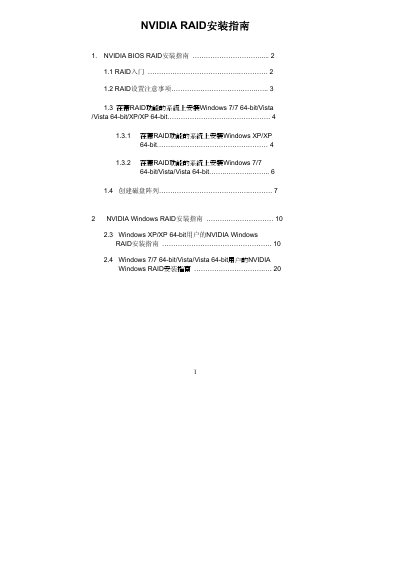
The guide explains how to enable and configure NVIDIA RAID in the BIOS, including selecting RAID mode (RAID 0, RAID 1, RAID 0+1, JBOD, RAID 5) and creating arrays with the NVIDIA RAID Utility. It also provides warnings about RAID 0’s lack of fault tolerance and the need to back up data before clearing disks.
In the Windows portion, the manual details driver installation, how to launch the NVIDIA RAID management software, and the procedures for creating, deleting, or rebuilding RAID arrays on Windows XP, Vista, and Windows 7 (both 32‑ and 64‑bit). It finishes with partitioning and formatting the new array using Windows Disk Management. This manual is written in Chinese.
| Supported RAID modes | RAID 0, RAID 1, RAID 0+1, JBOD, RAID 5 |
|---|
The utility supports RAID 0, RAID 1, RAID 0+1, JBOD, and RAID 5.
Press the
RAID 0 improves performance but provides no fault tolerance; hot‑plugging a RAID 0 disk can cause data loss.