
This document introduces how to use NVIDIA RAID Utility program to set RAID function in BIOS environment, as well as how to use NVIDIA Windows RAID installation program to set RAID function in Windows 2000/XP/XP 64-bit/Vista/Vista 64-bit operating system.
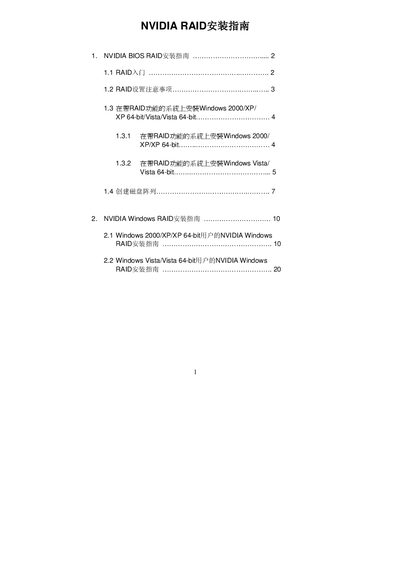
This guide explains how to enable and configure RAID functionality in the BIOS using the NVIDIA RAID Utility, including creating RAID 0, RAID 1, RAID 0+1, RAID 5 and JBOD arrays. It also covers the required SATA/SATAII drivers, recommended disk configurations, and important safety warnings such as backing up data before clearing disks.
Separate sections provide detailed procedures for installing NVIDIA RAID under Windows 2000/XP/XP 64‑bit and Windows Vista/Vista 64‑bit, including driver installation, creating, deleting and rebuilding arrays, and final partitioning and formatting steps. This manual is written in Chinese.
| Supported RAID modes | RAID 0, RAID 1, RAID 0+1, RAID 5, JBOD |
|---|---|
| Default stripe block size | 64KB |
| Minimum drives for RAID 5 | 3 |
The guide provides installation steps for Windows 2000, Windows XP, Windows XP 64‑bit, Windows Vista and Windows Vista 64‑bit.
The default stripe block size is 64KB (Optimal), which is recommended for most configurations.