
This document is the NVIDIA BIOS RAID installation guide, which introduces how to use the NVIDIA RAID Utility program to set RAID function in BIOS environment.
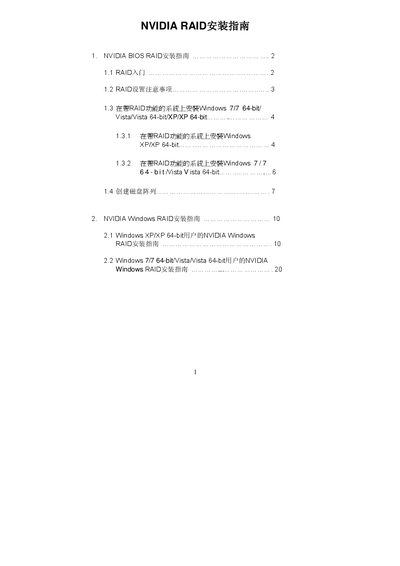
This guide explains how to enable and configure NVIDIA RAID in both the BIOS environment and Windows operating systems. It includes detailed instructions for entering the BIOS, selecting RAID mode, and using the NVIDIA RAID Utility to create and manage disk arrays.
The document also provides OS‑specific sections for Windows XP, Vista, and Windows 7 (both 32‑ and 64‑bit), showing how to install the necessary drivers, create RAID 0, RAID 1, RAID 0+1, RAID 5, or JBOD arrays, and complete post‑creation tasks such as partitioning and formatting the new logical drive. This manual is written in Chinese.
| Default striping block size | 64 KB |
|---|---|
| Supported RAID modes | RAID 0, RAID 1, RAID 0+1, JBOD, RAID 5 |
Press
The default striping block size is 64 KB.
You can create RAID 0 (striping), RAID 1 (mirroring), RAID 0+1 (stripe‑mirroring), RAID 5, and JBOD (spanning).