
This manual provides instructions for the configuration, installation, and operation of the Newland NLS-FR20 series fixed barcode scanner.
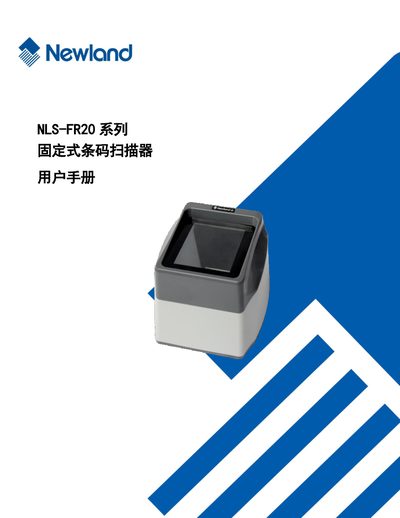
The document serves as a comprehensive user guide for the Newland NLS-FR20 series fixed barcode scanners. It covers standard configurations, optional accessories like RS-232 cables and power adapters, and essential safety precautions before use.
Key operational topics include detailed instructions on how to read various types of barcodes (1D and 2D), system setup procedures for lighting and sound alerts, and specific communication settings for both RS-232 serial ports and USB interfaces. The guide also lists supported barcode symbologies such as Code 128, EAN-13, UPC-A, QR Code, and Data Matrix. This manual is written in Chinese.
The standard package includes one NLS-FR20 Series fixed barcode scanner, one USB interface data communication cable, and one quick start guide.
Optional configurations include one RS-232 serial port data communication cable and one DC5V power adapter.
To resolve a freeze, disconnect the power adapter and reconnect it.