
This manual provides instructions for operating, configuring, and maintaining the Newland NLS-FM430 automatic identification device.
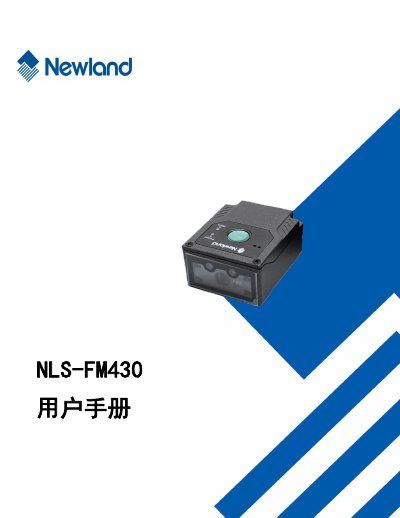
The Newland NLS-FM430 is an automatic identification device designed for scanning various barcode formats. This user manual covers the device's introduction, physical appearance, and connection methods to a host computer via USB or RS-232 interfaces.
The guide details how to configure the system settings, including LED indicators, audio prompts, and scanning modes. It also explains how to set up communication parameters for both RS-232 and USB connections, and provides comprehensive instructions for enabling or disabling specific barcode symbologies. This manual is written in Chinese.
The NLS-FM430 is a barcode scanner.