
The NEC SV8000-9000 Basic Feature Guide explains how to use volume control, call transfer, voicemail, and other phone system functions.
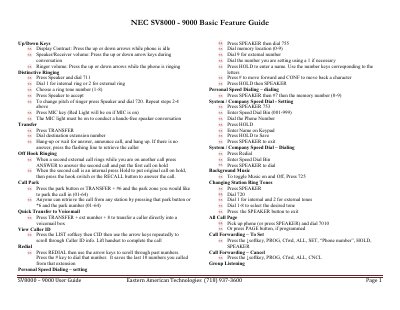
This guide provides step‑by‑step instructions for the basic features of the NEC SV8000‑9000 phone system. It covers key functions such as volume adjustments, distinctive ringing, call handling, speed‑dial setup, and voicemail configuration.
Each section lists the required key presses and options, making it easy for users to perform tasks like transferring calls, parking calls, setting up background music, and managing Do‑Not‑Disturb mode. The guide also includes instructions for accessing voicemail from inside and outside the office.
| Call Park zones | 01‑64 |
|---|---|
| Speed dial memory locations | 0‑9 |
| System/Company speed‑dial range | 001‑999 |
Press the up or down arrow keys while the phone is idle for speaker/receiver volume, or during a conversation.
Press TRANSFER, then the destination extension number, then 8 to send the call to a voicemail box.
Press SPEAKER 7473 to enable DND and SPEAKER 7470 to cancel it.
Press the park button or *6 followed by the park number (01‑64) to retrieve the call from any station.