
This guide explains how to upgrade MSI notebooks to Windows 10, covering upgrade paths, driver updates, and troubleshooting steps.
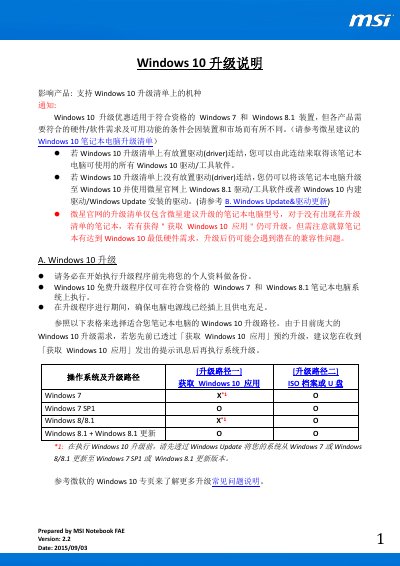
This document provides instructions for upgrading MSI notebooks from Windows 7 or Windows 8.1 to Windows 10. It outlines two primary upgrade paths: using the 'Get Windows 10' application for a free upgrade or using an ISO file/USB drive for a manual installation. The guide emphasizes the importance of backing up personal data and ensuring the system meets hardware requirements before proceeding. This manual is written in Chinese.
The upgrade is only available for qualified Windows 7 and Windows 8.1 devices that meet specific hardware and software requirements.
You should run Windows Update to install the latest drivers and tools, or refer to the FAQ for reinstalling the latest versions of your software.