
This document provides setup instructions, warnings, and technical specifications for using Morningstar TriStar MPPT controllers with wind and hydro turbines.
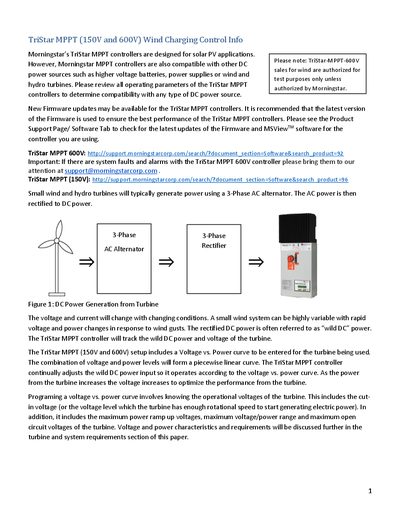
Morningstar's TriStar MPPT controllers are primarily designed for solar PV applications but are also compatible with other DC power sources such as wind and hydro turbines. The document explains how these controllers track the variable 'wild DC' power generated by rectified AC alternators using a user-defined voltage vs. power curve. It emphasizes the importance of using the latest firmware updates via MSView software for optimal performance.
| Max Input Voltage (150V Model) | 145V |
|---|---|
| Max Input Current (Vin < 100V) | ~8 Amps |
| Max Input Current (Vin > 100V) | less than 15 Amps |
| Input Fuse Requirement (600V Models) | 20A |
Yes, they are compatible with wind and hydro turbines, though they are primarily designed for solar PV applications.
A 20A fuse is required for the 600V models to prevent over-voltage damage.
DIP Switch 1 must be set to UP, and the controller must be custom programmed in Wind mode using the MSView Setup Wizard.