
This document provides the installation and operation manual for the RSC-1 communications adapter by Morningstar Corporation, including the technical specifications, features, and characteristics of the product.
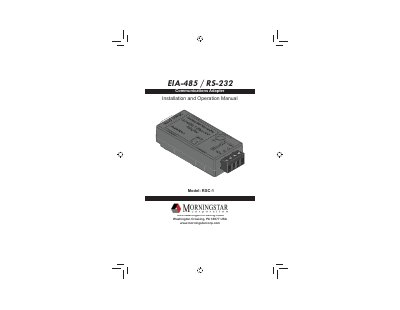
This manual provides installation and operation instructions for the Morningstar RSC-1 Communications Adapter, which converts between RS-232 and EIA-485 serial protocols. The device features a 9-pin RS-232 connector and a removable EIA-485 terminal block, designed for mounting on a standard 35 mm DIN rail.
| Power Input Voltage | 8V - 16V |
|---|---|
| Self Consumption | 8 - 16 mA |
| Baud Rate | 9600 baud |
| EIA-485 Network Unit Load | 1/4 |
| Operating Temperature | -40 C to +60 C |
| Storage Temperature | -55 C to + 80 C |
| Humidity | 100% N.C. |
| Enclosure | IP20 |
| Dimensions | 72 x 35 x 23 mm |
| Weight | 37 g (1.3 oz) |
| Warranty Period | 2 years |
The power input voltage must be between 8V and 16V.
Do not wire more than 128 RSC-1 adapters on a single EIA-485 network.
A steady Green light indicates power is OK and the network is ready for transmit/receive.
The adapter is warranted for a period of TWO (2) years from the date of shipment.