
This manual contains important safety, installation and operating instructions for the Morningstar Remote Meter.
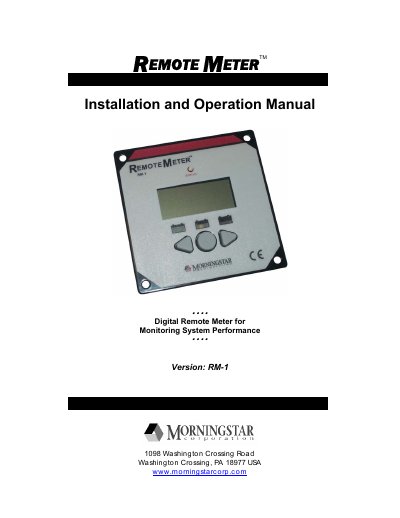
The Morningstar RM-1 is a digital remote meter designed to monitor system performance as an accessory for compatible Morningstar controllers and inverters. It features a large 4-digit display with custom icons to show voltage, current, temperature, and battery state-of-charge information via three LEDs.
Installation can be performed using either a Frame Mount or In Wall Mount method. The manual provides detailed step-by-step instructions for both methods, including required tools, safety precautions regarding electrical wiring, and cable routing guidelines.
Hold down the 'C' button for 5 seconds until all LED segments and icons illuminate on the LCD display.
Hold down buttons 'L' and 'R' simultaneously for two seconds to reset all values to zero.