
This manual introduces the features of the Morningstar TriStar series controllers, mainly including installation, operation and maintenance.
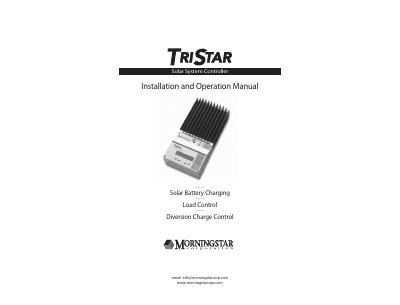
The Morningstar TriStar is a technically advanced solar system controller available in two versions: TriStar-45 (rated for 45 amps) and TriStar-60 (rated for 60 amps). It supports 12, 24, and 48 Vdc systems and features three distinct operating modes: solar battery charging, load control, or diversion charge control. The device includes automatic and manual recovery protections, LED indications, pushbutton functions, and is UL Listed and cUL Listed.
| Operating Voltage | 12, 24, 48 Vdc systems |
|---|---|
| TriStar-45 Current Rating | 45 amps continuous current |
| TriStar-60 Current Rating | 60 amps continuous current |
| Maximum Solar Array Input (TS-45) | 36 amps Isc |
| Maximum Solar Array Input (TS-60) | 48 amps Isc |
| Wire Terminal Size | 35mm 2 (2 AWG) |
| Warranty Period | 5-year warranty |
No, only one mode of operation can be selected at a time; two TriStars are required if both functions are needed.
No, there are no user-serviceable parts, and users should not disassemble or attempt to repair the controller.