
This manual provides installation, mounting, network connection, operation, and troubleshooting instructions for the Morningstar Meter Hub HUB-1.
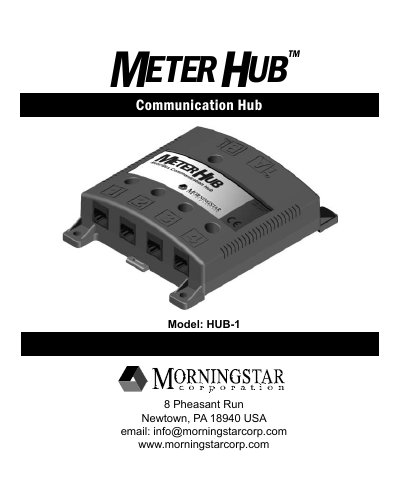
The Morningstar Meter Hub HUB-1 is a communication hub designed for indoor use with Morningstar MeterBus networks. The device features isolated network ports, status LEDs, and mounting options for both wall and DIN rail installation. It requires a device connected to the input power port to function and supports standard 35 mm DIN rails.
| Dimensions | 135x108x37 mm (5.3x4.3x1.5 in) |
|---|---|
| Weight | 0.19 kg / 0.41 lbs |
| Port Connections | RJ-11, gold plated |
| Compatible DIN rail | 35 mm standard |
| Operating Temperature | -40C to +60C |
| Storage Temperature | -55C to +85C |
| Humidity | 100 % (NC) |
| Minimum Isolation | 500 V olts |
| Self-consumption | 8 mA per port |
The Meter Hub is warranted to be free from defects in material and workmanship for a period of FIVE (5) years from the date of shipment.
The Meter Hub can operate in temperatures ranging from -40C to +60C.
Each port has a self-consumption of 8 mA.
You must use #10 screws that were included in the box.