
User manual for Molex hand crimp tool designed for SL™ crimp terminals, covering operation, maintenance, and specifications.
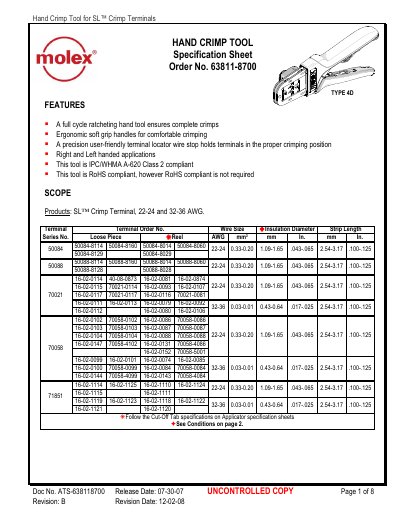
This document provides operating instructions for the Molex Hand Crimp Tool designed for SL™ crimp terminals. It includes step-by-step crimping procedures, locator replacement, and right/left-hand operation conversion. Maintenance guidelines cover cleaning, lubrication, and care to ensure tool longevity. The tool is IPC/WHMA A-620 Class 2 compliant and RoHS compliant.
Technical specifications detail compatible terminal series, wire gauge ranges, insulation diameters, crimp heights, and pull force requirements for proper crimping.
| Wire Size Compatibility | 22-24 AWG and 32-36 AWG |
|---|---|
| Compliance | IPC/WHMA A-620 Class 2 and RoHS compliant |
The tool is compatible with 22-24 AWG and 32-36 AWG wires.
Open the tool, squeeze the lower tabs to disengage, lift and pull the locator out. To reinstall, press the red insert down, insert the top hooks into the slots, rotate down, and press the lower tabs into the bottom slots.