
This manual provides safety, installation, wiring and configuration instructions for the Metrix MX2033 and MX2034 digital proximity system.
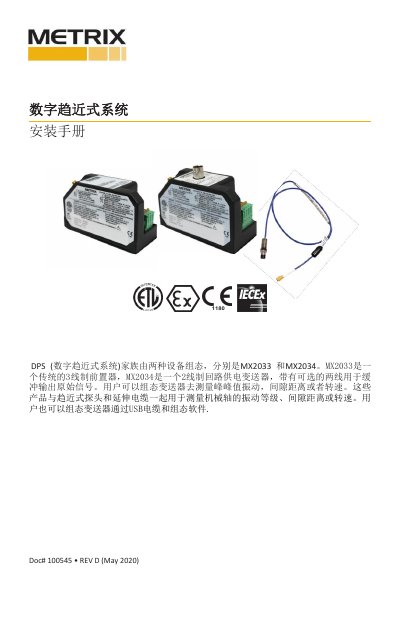
The Metrix Digital Proximity System (DPS) is offered in two configurations: the MX2033 3‑wire front‑end unit and the MX2034 2‑wire loop‑powered transmitter. Both units work with proximity probes and extension cables to measure radial vibration, axial displacement or shaft speed, and can be configured via USB and Metrix software.
The guide covers safe handling, probe and cable installation, DIN‑rail mounting, field wiring, and recommended cable lengths. It also details electrical specifications, explosion‑proof requirements, and calibration procedures to ensure accurate measurement in industrial environments. This manual is written in Chinese.
| MX2033 Power Supply | -24 VDC |
|---|---|
| MX2033 Output Signal | mV/mm (e.g., 7.87 mV/mm for 5 mm probe) |
| MX2034 Power Supply | +24 VDC |
| MX2034 Signal Format | 4‑20 mA proportional to vibration, displacement or speed |
| Maximum Extension Cable Length | 5 m or 9 m (system length) |
| UL/CSA Voltage Rating | Voc = 5.36 V |
| UL/CSA Current Rating | Ioc = 93 mA |
Only qualified personnel should perform installation, observe all terminal ratings, avoid touching live conductors, and follow the safety symbols and warnings listed in the manual.