
Installation and configuration guide for the Metrix DPS 1.35 software, covering download, setup, verification, calibration, and advanced settings.
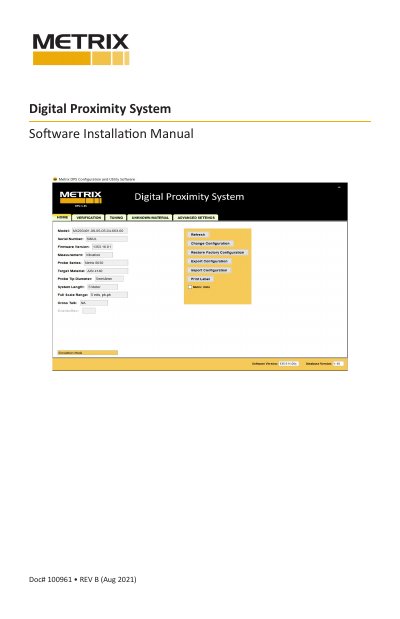
This manual provides instructions for downloading and installing the DPS 1.35 Software from the Metrix website. It details the installation process, including accepting the End-User License Agreement and completing the setup wizard to access the software on the desktop.
Go to the Metrix Website (www.metrixvibration.com), navigate to the specific product page, and download the 64-bit or 32-bit version appropriate for your operating system.
It allows a user to connect another DPS 1.35 Unit to the software without having to shut down and restart the application.