
User guide for the Linksys WUSB54GSC Compact Wireless-G USB Network Adapter with SpeedBooster, covering wireless security and configuration.
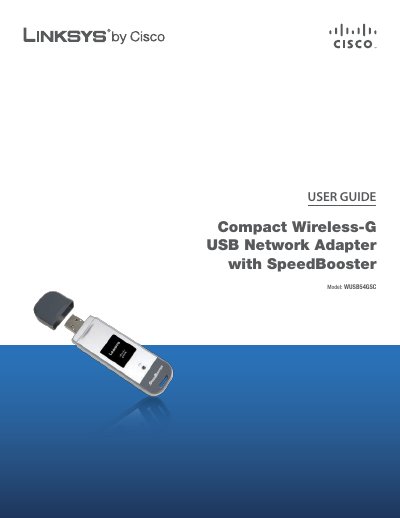
The Linksys WUSB54GSC Compact Wireless-G USB Network Adapter with SpeedBooster adds or upgrades wireless connectivity on a notebook computer. It uses WPA2 encryption to help protect the wireless connection, and the included Setup Wizard guides configuration of the adapter to the network's settings. A green Link LED flashes when there is wireless network activity.
The User Guide covers the product overview, a wireless security checklist, and advanced configuration through the Wireless Network Monitor for Windows 2000 and Windows XP. It also includes troubleshooting, Windows Vista and Windows XP Zero Configuration appendices, specifications, warranty, regulatory information, and the software license agreement.
| Interface | USB |
|---|---|
| Wireless Security | WPA2 encryption |
| Wireless Modes | Ad-Hoc or Infrastructure |
| Link LED | Green; flashes during wireless network activity |
| Supported for Advanced Configuration | Windows 2000 and Windows XP |
| Setup Wizard | Included |
It is the WUSB54GSC Compact Wireless-G USB Network Adapter with SpeedBooster.
It flashes when there is wireless network activity.
It is linksys; the guide says you should change it to a unique name.
Double-click its icon in the system tray.