
Linksys EF3508 and EF3512 EtherFast 8-Port/12-Port Gigabit Ethernet Switch User Guide

User guide for installing and using the Linksys EF3508 8-port and EF3512 12-port Gigabit Ethernet switches.
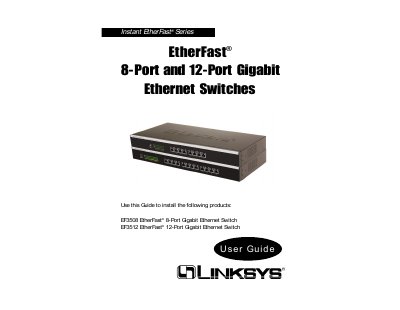

Linksys EF3508 and EF3512 EtherFast 8-Port/12-Port Gigabit Ethernet Switch User Guide - cover page
Brand
Linksys
Category
Network Switches
Document type
User Manual
Language
English
Pages
12
File format
PDF
File size
636 KB
Published
23 November, 2026
Updated
23 November, 2026
MD5 checksum
E12F2E61C76E9431BF2E2DE39446D63C

About this manual

Describes the Linksys EtherFast EF3508 8-port and EF3512 12-port Gigabit Ethernet switches, including front and back panel controls, LED indicators, installation, cabling, and specifications.

The switches provide 10/100/1000 Mbps ports with auto-speed negotiation and MDI/MDIX, and include a two-year limited warranty.

What's inside

  • Introduction
  • Getting to Know the 8-Port Gigabit Ethernet Switch
  • Getting to Know the 12-Port Gigabit Ethernet Switch
  • Installing the Gigabit Ethernet Switches
  • Twisted-Pair Cabling
  • Glossary
  • Specifications for the 8-Port Gigabit Ethernet Switch
  • Specifications for the 12-Port Gigabit Ethernet Switch
  • Warranty Information
  • Contact Information

Specifications

PortsEight or twelve 10/100/1000 Mbps switched ports
Port featuresAuto-speed negotiation and MDI/MDIX
ForwardingNon-blocking, full wire speed
Flow control802.3x flow control and head-of-line blocking prevention
WarrantyTwo years from the date of purchase
Technical supportFree 24/7 toll-free US support

Frequently asked questions

What do the FDX LED states mean?

Continuously lit means full duplex; blinking means data collisions.

How can the overheating buzzer be disabled?

Use a pen point or similar object to push in the button.

What is the warranty period?

Two years from the date of purchase.

Download PDF (636 KB)

More Linksys Manuals


View all Linksys manuals →