
Lenovo F310 Digital Music Player User Manual

This manual provides operating instructions for the Lenovo F310 digital music player, covering playback, recording, settings, and troubleshooting.
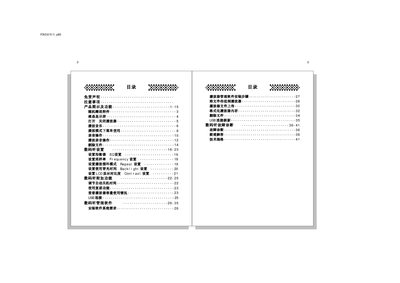

Lenovo F310 Digital Music Player User Manual - cover page
Brand
Lenovo
Category
Digital cameras
Document type
User Manual
Language
Chinese
Pages
23
File format
PDF
File size
654 KB
Published
15 March, 2012
Updated
16 October, 2026
Model
F310
MD5 checksum
B298345AA974BDD6274BBE120A4711DA

About this manual

The Lenovo F310 is a portable digital audio device designed for playing music files and recording voice notes. The user interface features a liquid crystal display (LCD) with backlighting, control buttons including Play/Stop, Volume, Mode, and navigation keys, as well as a USB port for connectivity. This manual is written in Chinese.

What's inside

  • Product Diagrams
  • Playing Music
  • Recording Operations
  • Playback Settings
  • File Management
  • USB Connection
  • Software Installation
  • Troubleshooting

Frequently asked questions

What are the available equalizer modes?

The player offers five EQ modes: JAZZ, CLASSIC, ROCK, POP, and NORMAL.

How do I turn off the backlight automatically?

The backlight turns off automatically if no keys are pressed within the set time period.

What is the recording format for this device?

The device records audio files in WAV format.

Download PDF (654 KB)

More Lenovo Manuals


View all Lenovo manuals →