
This document describes the features and characteristics of Lenovo server products.
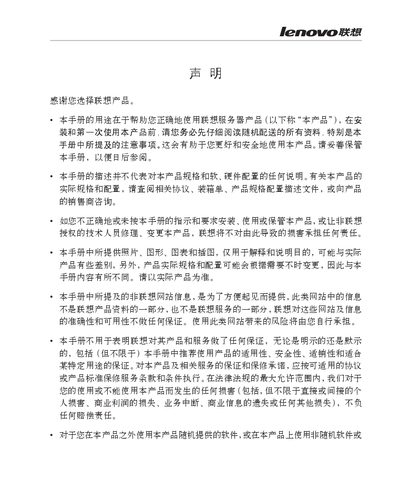
This user manual is designed to help users correctly install and use the Lenovo R510 G6 server. It covers product features, system specifications, and hardware configuration details, ensuring users understand the capabilities of the Intel Xeon-based platform. The guide emphasizes high reliability, availability, scalability, and manageability features integrated into the server design. This manual is written in Chinese.
| Processor | 2x Intel Xeon 3.0~3.73GHz |
|---|---|
| Front Side Bus | 667/1066MHz |
| Memory Capacity | Max 24GB |
| Memory Type | FB-DIMM Registered ECC DDRII 533 SDRAM |
| Memory Slots | 6 DIMMs |
| Storage Interfaces | 4x SAS or 4x SATAII or 4x SCSI |
| Network Interfaces | 2x Gigabit Ethernet |
| Power Supply | 600W Single |
| Operating Temperature | 10℃-35℃ |
The server supports automatic installation for Windows Server 2003 Enterprise/Standard x64, Windows 2000 Advanced Server, and RedHat Enterprise Linux AS 3.0/4.0.
The maximum memory capacity is 24GB using FB-DIMM Registered ECC DDRII 533 SDRAM.
Yes, it supports hot-pluggable SAS, SATAII, or SCSI drives depending on the configuration.