
Key facts
- Brand
- Laser
- Model
- HD008
- Category
- Digital Video Recorder
- Industry
- Electronics
- Documents
- 2
- Languages
- EN
- Last added
- 2026-10-16
Start here
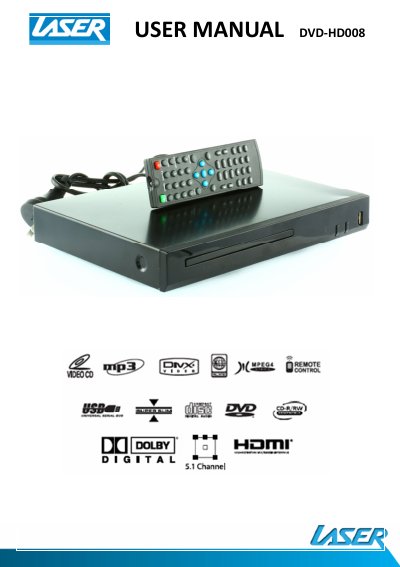
Laser HD008 DVD Player User Manual
The Laser HD008 is a DVD player that supports playback of video files (AVI, VOB), audio files (MP3), and images (JPG) from both discs and USB drives. The device features a remote control with buttons for playback control, menu navigation, and audio settings, including options for subtitles and zoom.
Read onlineLaser HD008 specifications
| Supported Video Files | AVI (Xvid), VOB |
|---|---|
| Supported Audio Files | MP3 |
| Supported Image Files | JPG |
| Warranty Period | 12 months |
All Laser HD008 documents by type
Day-to-day operation, settings and troubleshooting. Start here if the product is already set up.
Questions answered in these manuals
What files are supported for playback?
The player supports Video files (AVI, VOB), Audio files (MP3), and Image files (JPG).
How do I fix a disc that is locked in the player?
Turn the power OFF and then ON again, then immediately press the OPEN/CLOSE button to open the tray.
Why is no video displayed on the TV?
Make sure the TV is turned on, check cable connections, and verify the TV input selection (e.g., HDMI1, HDMI2, AV1, AV2).
What should I do if the player does not respond to the remote?
Clear any obstacles between the remote and the player, move closer or reduce the angle, replace the batteries if needed, and clean the sensor panel.