
This manual provides instructions for setting up, configuring, and using the LaCie Small Ethernet Disk for network storage and media sharing.
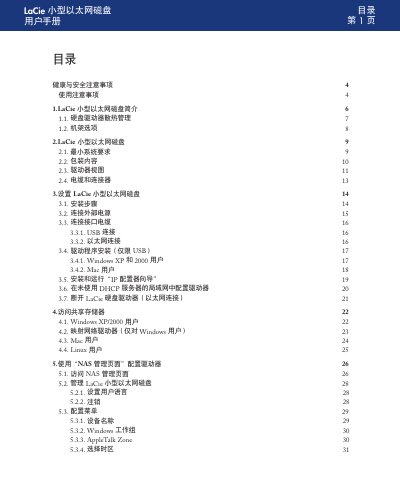
The LaCie Small Ethernet Disk user manual explains how to set up the drive, connect it by USB or Ethernet, install drivers, and configure it with the IP Configurator Wizard. It also covers accessing shared storage from Windows, Mac, and Linux clients, and administering the drive through the NAS management pages.
Additional sections cover device, network, disk, share, and user configuration, UPnP media server setup, troubleshooting, customer support, and warranty information. This manual is written in Chinese.
| Power requirements | 100-240 V~, 1.5 A, 60-50 Hz |
|---|---|
| Operating temperature | 5°C to 35°C (41°F to 95°F) |
| Operating humidity | 5-80% non-condensing; 10-90% non-condensing storage |
| USB interface | USB 2.0 |
| Media server compatibility | UPnP DLNA |
| Capacity definition | 1GB = 1,000,000,000 bytes; 1TB = 1,000,000,000,000 bytes |
| Rack mounting | Standard 19-inch computer equipment rack using LaCie rack mounting kit (sold separately) |
It can be connected directly to a computer by USB or connected to a network by Ethernet for shared drive access.
When connected to the network, it can be used as a network attached storage device and supports a limited number of simultaneous users.