
This document introduces the preparation, basic operations, menu settings, and various recording media and modes of the GZ-MC100 LYT1350-002A CH digital media camera. It also describes the features of voice recording, various playback functions, file editing on a computer, and direct printing.
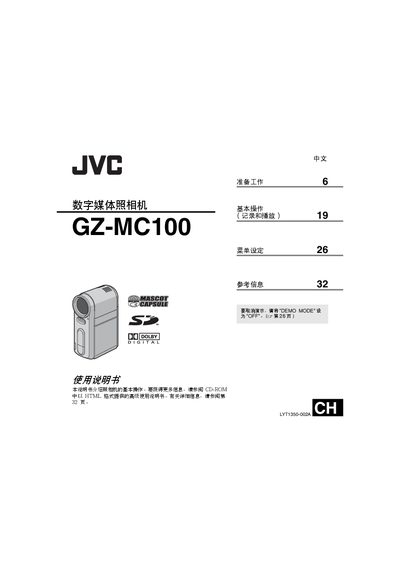
This manual explains how to prepare and operate the GZ-MC100 digital media camera, covering basic recording and playback functions, menu settings, and media selection such as CompactFlash, SD cards, and mobile hard drives. It also references an advanced usage guide on the included CD-ROM for deeper features.
Safety precautions are detailed, including warnings about moisture, fire, and proper handling of the battery pack (JVC BN‑VM200U) and power adapter. Interface specifications, recording times, and image storage capacities are listed in the reference section. This manual is written in Chinese.
| Power adapter output | DC 11 V, 1 A |
|---|---|
| USB interface | Mini USB‑B, compatible with USB 1.1/2.0 |
| Video output level | 1.0 V (p‑p), 75 Ω, analog |
| Supported memory cards | SD cards (10 Mbps or faster) and CompactFlash cards (40× or faster) |
| Battery pack | JVC BN‑VM200U rechargeable battery |
Set the "DEMO MODE" switch to "OFF".
Immediately remove the battery pack and unplug the power adapter, and stop using the camera.
The camera supports CompactFlash cards, SD cards, and a mobile hard drive (Microdrive) compatible with CF+ Type II.
Connect the camera to a PictBridge‑compatible printer using a USB cable.