
This hard disk camcorder records images to the built-in large capacity hard disk (HDD) instead of tape, so that high-definition MPEG2 videos can be recorded for an extended period of time. You can select the most suitable recording mode for the image quality, image size, recording time and computer environment. It also has playback lists, playback effects, and other functions, so you can enjoy a variety of different playback types.
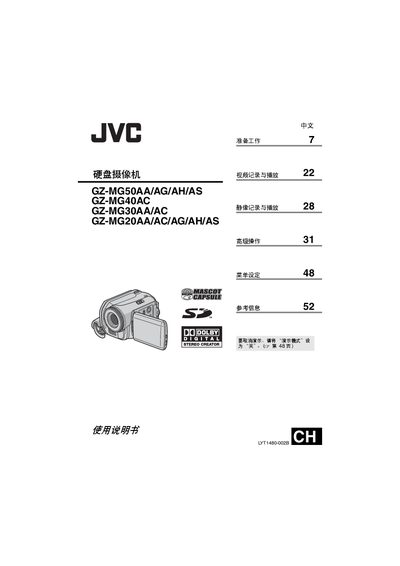
This manual provides step‑by‑step instructions for preparing, operating, and maintaining JVC's hard‑disk camcorders in the GZ‑MG series. It details power setup, media handling, video and still‑image recording, playback functions, and advanced menu options.
Safety warnings, troubleshooting tips, and specifications are included to help users achieve reliable performance and protect the device during use and transport. This manual is written in Chinese.
| Recording format | MPEG‑2 (SD‑VIDEO) |
|---|---|
| Video resolution (Super Fine mode) | 720 × 576 pixels, 8.5 Mbps (CBR) |
| Audio format | Dolby Digital (stereo) |
| Power adapter output | DC 11 V, 1 A |
| Weight (including battery) | ≈ 40 g |
The camcorder records video to its built‑in large‑capacity hard disk instead of tape.
Use the JVC BN‑VF707U battery pack for power and charging.
Yes, if the printer supports PictBridge, you can connect the camcorder via USB and print directly.
The camcorder records video only in MPEG‑2 (SD‑VIDEO) format and does not support other digital video formats.