
TK-C1430EC User Manual, introduces the features and characteristics of the product, including functions, operating precautions, connection and installation, lens adjustment, menu settings, etc.
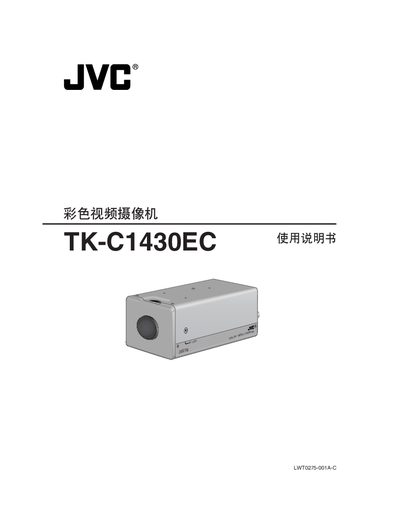
This manual covers safety precautions, installation of lenses and mounting hardware, and detailed menu navigation for the TK‑C1430EC digital video camera. It explains functions such as motion detection, day/night monitoring, electronic zoom, and external terminal connections.
Additional sections describe maintenance procedures, power requirements, environmental limits, and troubleshooting tips to ensure reliable operation in indoor and controlled outdoor environments.
| CCD Sensor | F1.2, 50% AGC 20dB |
|---|---|
| SENSE UP | 32× optical sensitivity |
| Electronic Zoom | 10× |
| Power Input | DC 12 V or AC 24 V |
| Operating Temperature | -10 °C to 50 °C |
Do not allow the device to be exposed to fire or electric shock.
The camera can be powered by a DC 12 V supply or an AC 24 V supply.
The built‑in AGC circuit automatically increases sensitivity, which may make the image appear coarse.
The camera is designed for indoor use; for outdoor use an external cover or similar protection must be installed.