
This manual describes the features and operation of the GZ-MC500AA/AC/AG/AH Digital Hard Disk Camcorder.
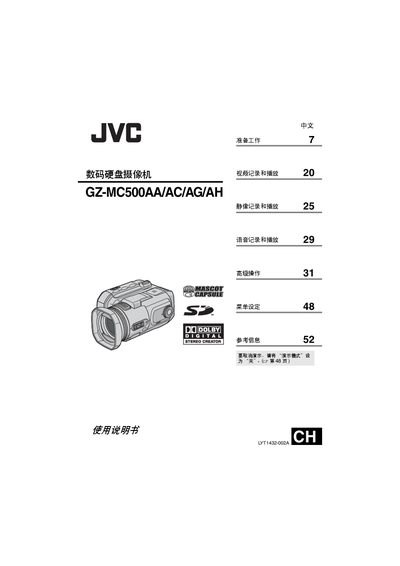
This manual provides step‑by‑step instructions for preparing the camcorder, attaching accessories, and configuring recording media such as CF cards, SD cards, and the optional 4 GB mobile hard‑disk. It also covers video, static‑image, and audio recording and playback functions, as well as menu navigation and advanced shooting modes.
Safety precautions, power‑adapter requirements, and detailed specifications for audio/video outputs, recording formats, and battery usage are included. The reference section lists troubleshooting tips and terminology. This manual is written in Chinese.
| Audio output (line level) | 300 mV (rms), 1 kΩ, stereo |
|---|---|
| Video output (composite) | 1.0 V (p‑p), 75 Ω |
| Power adapter output | DC 11 V, 1 A |
| Supported recording media | Microdrive® (CF+ Type II), CompactFlash, SD card, 4 GB mobile hard‑disk |
If the printer supports PictBridge, connect the camcorder to the printer with a USB cable and use the DPOF printing function.