
The JVC GY-HM100U user manual provides safety instructions, setup steps, feature overviews, and operating guidance for the HD memory‑card camcorder.
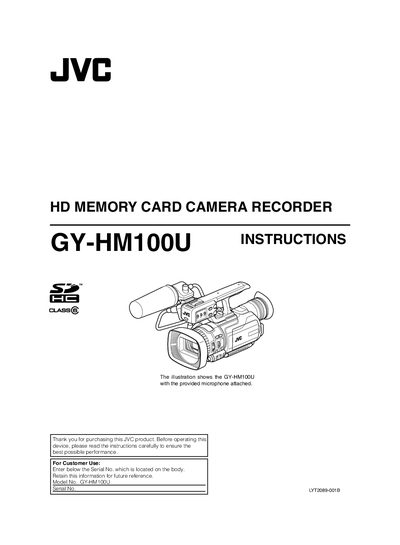
This manual covers safety precautions, required accessories, and basic handling of the JVC GY‑HM100U camcorder. It explains how to attach the audio unit, install batteries, and insert SD cards, as well as environmental limits such as temperature and humidity.
Detailed sections describe shooting modes, video and still‑picture recording, audio input options, and playback functions. The guide also includes menu navigation, custom settings, and troubleshooting tips to help users get the most out of the camcorder’s 3‑CCD sensor, HDMI output, and built‑in time‑code generator.
| Operating Temperature | 0°C to 40°C |
|---|---|
| Relative Humidity | 35 % to 80 % |
| Battery Type | CR2025 lithium coin cell |
| AC Adapter Voltage Range | 110 V – 240 V (auto‑selection) |
| Recommended Video SD Card | SDHC Class 6 or higher, 4 GB – 32 GB |
| Audio Input Terminals | Two XLR + one mini‑jack |
| Video Output Terminals | HDMI, component, A/V OUT |
| Recording Formats | 1080i, 1080p, 720p |
| Image Sensor | 3‑CCD system |
It uses a CR2025 lithium coin‑cell battery, which can be replaced with Panasonic, Sanyo, Sony or Maxell CR2025 cells.
Use SDHC cards of Class 6 or higher, sized between 4 GB and 32 GB for video recording.
The camcorder can be used in temperatures from 0 °C up to 40 °C.