
The JVC GC‑XA1 camera user manual provides safety instructions, setup steps, Wi‑Fi connection guide, and troubleshooting for this waterproof action cam.
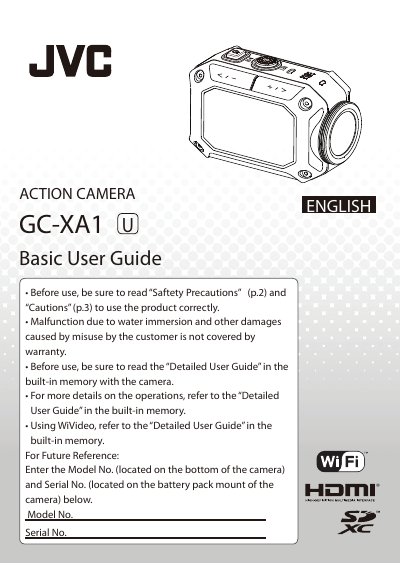
This manual begins with safety precautions, battery handling, and waterproof usage guidelines for the GC‑XA1 action camera. It explains how to charge the Li‑ion battery, insert memory cards, and protect the device from shock, heat, and water.
The guide then covers basic operation, menu navigation, Wi‑Fi setup for PC, mobile, and direct modes, as well as troubleshooting common issues such as power loss, Wi‑Fi connectivity, and USB limitations.
| Battery charging time (adapter mode) | about 5 hours |
|---|---|
| Operating temperature | -10 °C (-50 °F) or below |
| Waterproof depth rating | up to 5 m (16 ft) |
| Supported SD cards | Panasonic, TOSHIBA, SanDisk |
| Recommended power adapter | JVC AC‑V10LU |
In adapter charging mode a depleted battery takes about 5 hours to charge fully.
Yes, it is waterproof down to 5 m (16 ft), but deeper water or high‑pressure environments are not supported.