
The JVC VNC-BJ300 Integrated HD PTZ Camera User Manual provides setup, operation, network and maintenance instructions.
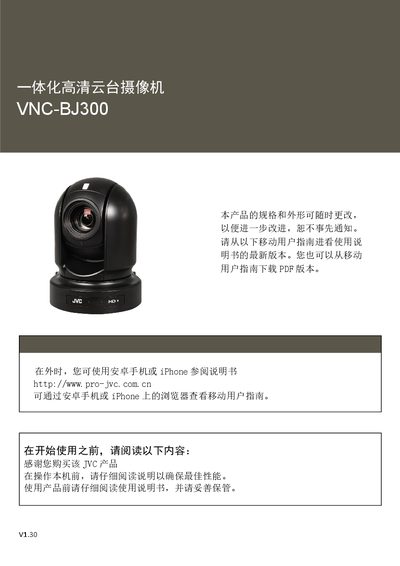
This manual covers the complete setup and operation of the JVC VNC-BJ300 integrated HD PTZ camera, including safety guidelines, hardware connections, and system configuration. It details video and audio signal options, remote control functions, and network settings for both local and remote use.
Additional sections describe firmware upgrades, preset position management, user account administration, storage configuration, and log viewing, helping users maintain and troubleshoot the camera efficiently. This manual is written in Chinese.
| Video format | 1080P60, 1080i59.94 |
|---|---|
| IP resolution | 1080P60, 1080P30 |
| Optical zoom | 30X |
| Dynamic range | 130 dB |
| Video output | HDMI, 3G‑SDI, IP, CVBS |
| Pan/Tilt range | ±175° horizontal, -30° to +90° vertical |
| Preset positions | 255 |
| Power options | DC12 V, PoE (IEEE 802.3at) |
| Firmware upgrade method | USB 2.0 or IP |
| Control methods | Infrared remote, RS‑232/422 (VISCA), RS‑485 (PelcoD/P), IP (ONVIF/VISCAoverIP) |
The camera supports up to 255 preset positions.
It can be powered by a 12 V DC adapter or via PoE (IEEE 802.3at).
Firmware can be upgraded through the USB 2.0 port or over the network (IP).