
Intermec CK30 handheld computer user manual covering operation, configuration, application installation, management, diagnostics, troubleshooting, and…
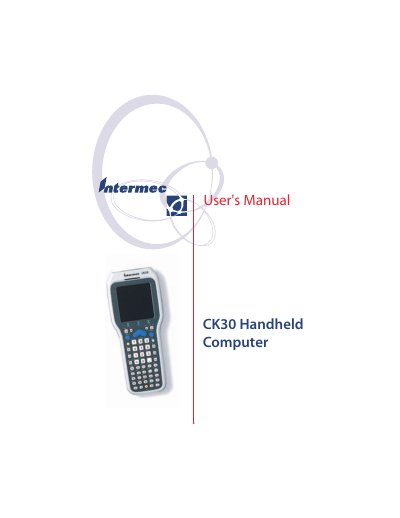
The Intermec CK30 Handheld Computer User's Manual describes how to operate the CK30, including battery use, keypad, screen, bar code scanning, and configuration. It also covers application development and installation, system management, diagnostics, troubleshooting, and specifications.
The manual lists CK30A, CK30B, and CK30C models and provides physical, electrical, temperature, humidity, screen, and keypad specifications.
| Length | 20.3 cm (8.0 in) |
|---|---|
| Width | 8.9 cm (3.5 in) |
| Weight | 476 g (16.8 oz) |
| Main battery | Rechargeable 2400 mAh lithium-ion battery |
| Backup battery | 10 minutes bridge time |
| Models | CK30A, CK30B, CK30C |
| Operating temperature | -10°C to 50°C (14°F to 122°F) |
| Operating humidity | 10 to 90% non-condensing |
| Screen resolution | 160 x 160 pixels |
| Screen size | 7.9 cm (3.12 in) diagonal square active area |
It uses a rechargeable 2400 mAh lithium-ion battery.
The operating temperature range is -10°C to 50°C (14°F to 122°F).
The listed models are CK30A, CK30B, and CK30C.
The screen has 160 x 160 pixels.