
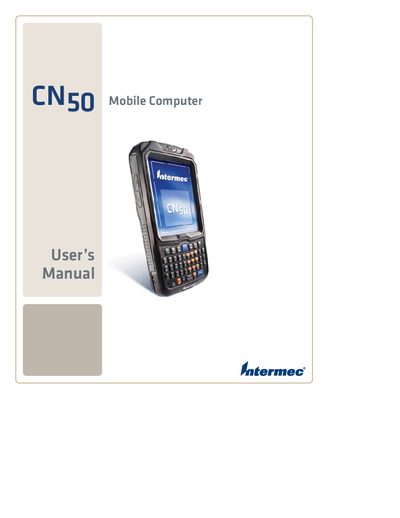
This manual describes the basic functions and operating procedures of the CN50 mobile computer.
The manual begins with safety information, warranty details, and support contacts, emphasizing the importance of following warnings to avoid injury or equipment damage. It also lists global service locations and how to obtain technical assistance via the Intermec website, phone, or local representatives.
Subsequent sections cover hardware usage such as battery installation, charging, and life‑maximizing tips, as well as operation of the keypad, touch screen, stylus, and integrated imager. Connectivity options—including Wi‑Fi, Bluetooth, Ethernet, and GPS—are explained, followed by troubleshooting procedures and specifications.
Visit the Intermec website and click Support > Returns and Repairs > Warranty.
Call 1‑800‑755‑5505 for support in the U.S.A. and Canada.
Intermec’s worldwide headquarters is at 6001 36th Ave. W., Everett, WA 98203, USA.