
The Infinova V5103-A3 wide dynamic color camcorder user manual provides overview, installation, wiring, and menu settings for optimal operation.
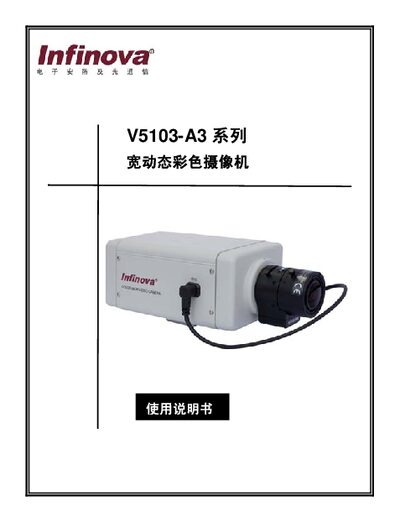
This manual introduces the Infinova V5103-A3 wide dynamic color camcorder, a camera designed for challenging lighting conditions such as banks, entrances, city roads, and steel plants. It outlines the camera's key features, safety precautions, and recommended installation practices.
The document covers panel component descriptions, step‑by‑step installation and wiring, detailed menu configuration (including exposure, white balance, privacy masks, and RS‑485 remote control), and includes appendices with full technical specifications and a system menu diagram. This manual is written in Chinese.
| Image sensor | 1/3" PIXIM digital image sensor |
|---|---|
| Effective pixels | 720 × 540 |
| Dynamic range | Standard 102 dB, Max 120 dB (17 bit) |
| Resolution | 520 TVL |
| Minimum illumination | 0.5 Lux (F1.2, 25 IRE, AGC max) |
| Signal‑to‑noise ratio | > 52 dB (AGC OFF) |
| Input voltage | 12 VDC / 24 VAC auto‑adapt |
Connect a 12 VDC or 24 VAC power source to the power input terminal (labeled 7) on the rear panel.
Press and hold the SET key for more than two seconds to display the MENU screen, then use the arrow keys to navigate.
The camera supports up to 12 privacy zones.
The camera provides a maximum dynamic range of 120 dB.