
V2000 is a software package that provides a graphical user interface for centralized management and operation of the entire security system. It provides video switching and control, alarm processing, and multi-screen processor control.
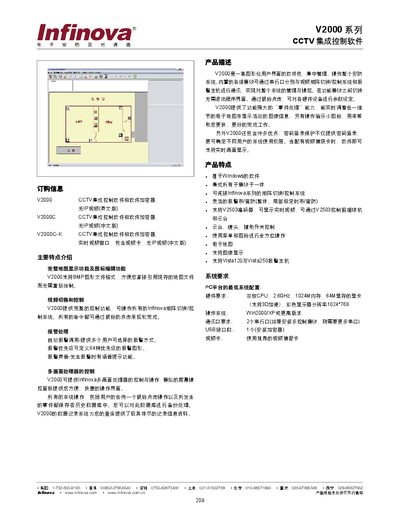
The V2000 series software provides a graphical user interface for centralized management and control of CCTV systems. It integrates map display, alarm handling, video switching, and multi‑screen management, allowing users to operate Infinova matrix switchers and alarm hosts via mouse clicks.
Key features include BMP map support, real‑time video display (when a capture card is installed), password‑protected login, and extensive event logging. Minimum system requirements are a dual‑core 2.6 GHz CPU, 1 GB RAM, 64 MB video memory, 1024×768 display, Windows 2000/XP or later, two serial ports, one USB port, and a recommended video capture card. This manual is written in Chinese.
| CPU | Dual‑core 2.6 GHz |
|---|---|
| Memory | 1024 MB RAM |
| Video Memory | 64 MB |
| Operating System | Windows 2000/XP or later |
| Serial Ports | 2 (more if multiple control modules) |
| USB Ports | 1 (for encryption device) |
| Video Capture Card | Recommended video capture card required for real‑time video |
Windows 2000, Windows XP, or any later Windows version.
At least two serial ports; more are required if multiple control modules are installed.