
First Step Guide for IAI ACON-C/CG and PCON-C/CG/CF series position controllers, covering configuration, wiring, and basic specifications.
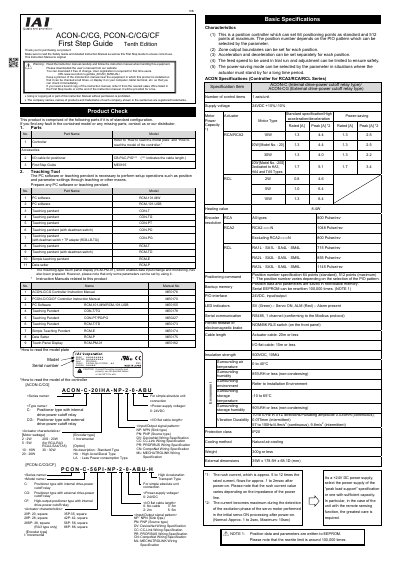
The ACON-C/CG and PCON-C/CG/CF series are position controllers capable of setting between 64 and 512 positioning points. They feature adjustable zone output boundaries, separate acceleration and deceleration settings for each position, and a power-saving mode for long standby periods.
This guide provides essential information for initial setup, including how to read model plates, required teaching tools such as PC software (RCM-101) or teaching pendants, and technical specifications for the ACON series controllers.
| Supply voltage | 24VDC +10%/-10% |
|---|---|
| Number of control items | 1 axis/unit |
| Positioning command | 64 points (standard), 512 points (maximum) |
| Protection class | IP20 |
| Weight | 300g or less |
| External dimensions | 35W x 178.5H x 68.1D (mm) |
Setup can be performed using PC software (RCM-101-MW, RCM-101-USB) or various teaching pendants (CON-T, CON-TG, CON-PT, CON-PD, CON-PG, RCM-T, RCM-TD, RCM-E, RCM-P).
Position data and parameters are saved in nonvolatile memory using a serial EEPROM that can be rewritten approximately 100,000 times.