
This user guide introduces the functions and usage of the Extech 407113 CFM meter. The meter can display air flow and temperature, and has MIN/MAX record/recall, RS-232 PC interface, and data hold functions. The metal vane sensor offers rugged durability and higher temperature withstand than comparable devices.
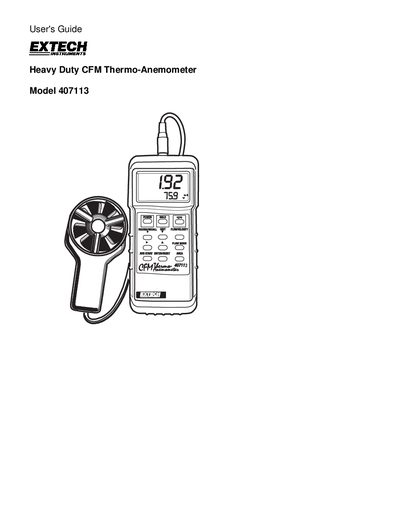
The Extech 407113 is a handheld CFM meter that measures air flow, velocity, and temperature on a dual‑display LCD. It includes functions such as MIN/MAX record/recall, RS‑232 PC interface, Data Hold, and automatic power‑off.
The guide covers setup, operation of velocity and flow modes, battery replacement, RS‑232 interface, warranty information, and calibration services.
| Display | Dual Display Multi‑function 10,000‑count LCD |
|---|---|
| Air Flow Range (CFM) | 0 – 999,900 ft/min |
| Temperature Range (Sensor) | 32 °F – 175 °F (0 °C – 80 °C) |
| Power Supply | 9 V battery (8.3 mA consumption) |
| Dimensions | 7.1 × 2.8 × 1.3 in (180 × 72 × 32 mm) |
| Weight | 0.84 lb (381 g) |
Connect the sensor to the sensor input jack on the top of the meter before selecting the FLOW mode.