
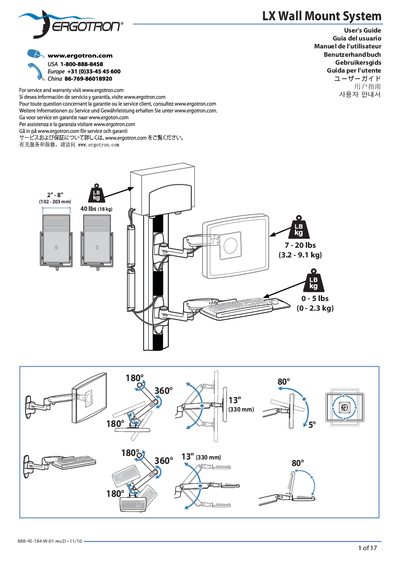
This guide explains how to install the Ergotron LX Wall Mount System on a variety of wall surfaces. It includes tables of mounting heights for different monitor sizes, instructions for selecting appropriate fasteners, and required material thickness.
The document also covers ergonomic workstation setup, safety precautions such as ensuring the wall can support four times the mounted load, and maintenance tips like regular inspection of fasteners and proper tension adjustment of the lift mechanism.
| Maximum load capacity | 8 kg (40 lb) |
|---|---|
| Minimum material thickness | 16 mm (5/8") |
| Mounting height adjustment without extension | Add 89 mm (3.5") |
The wall material must be at least 16 mm (5/8") thick.
Add 89 mm (3.5") to the mounting height shown in the table.
The wall must be capable of supporting four times the total weight of the mounted equipment.