
The Elo Touch Solutions 2201L User Manual provides installation, operation, and maintenance instructions for the 2201L touchmonitor.
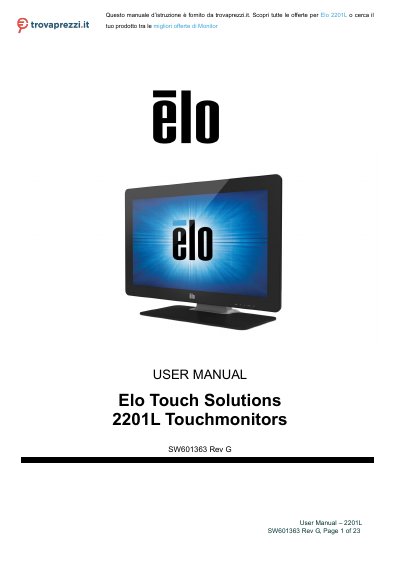
The 2201L touchmonitor features a 24‑bit color active matrix TFT LCD with Full HD 1920×1080 resolution, LED backlight, Plug‑and‑Play, built‑in speakers, headphone output, OSD controls, and optional webcam and magnetic stripe reader.
Installation involves unpacking, connecting DVI/VGA, USB, audio, and power cables, using the provided stand or VESA mount, and installing drivers via the Elo website; operation includes powering on, using the power LED status, calibrating touch if needed, and managing OSD and power lock settings.
| Input voltage | 100 -240VAC, 50 -60Hz |
|---|---|
| Output current | minimum 3A |
| Monitor input | 12VDC, 3A |
| Operating temperature | 0°C - 40°C |
| Operating humidity | 20% to 80% (non -condensing) |
| Storage temperature | -20°C - 50°C |
| Storage humidity | 10% to 95% (non -condensing) |
It requires 100 -240VAC at 50 -60Hz.
The operating temperature range is 0°C to 40°C.
Press and hold the Menu and Down buttons for two seconds.