
User manual for the EDIFIER W820BT Bluetooth stereo headphones, covering setup, pairing, calling, music playback, charging, and troubleshooting.
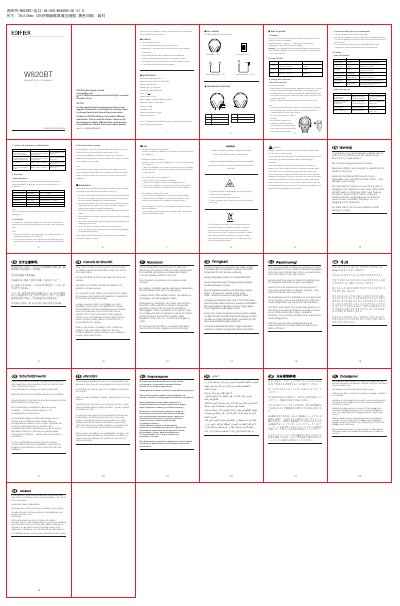
This manual covers the EDIFIER W820BT Bluetooth stereo headphones, including the product and attachment illustrations, features, box contents, and operational instructions. It explains how to charge the headphones, power them on and off, pair and connect to Bluetooth devices, handle calls, and play music in both Bluetooth and wired AUX modes.
The document also provides specifications, steps for restoring the headphones to factory settings, maintenance advice, and answers to frequently asked questions about low battery, charging, sound, call quality, and playback control.
| Bluetooth version | Bluetooth V4.1 |
|---|---|
| Bluetooth profiles | HFP, HSP, A2DP, AVRCP |
| Effective distance | 10 m |
| Playback time | Up to 80 hours |
| Standby time | About 1600 hours |
| Input | 5.0 V 1 A |
| Charging time | 4 hours |
| Battery capacity | 1340 mAh lithium-ion battery |
| Frequency response | 20 Hz–20 kHz |
| Sensitivity | 100 dB |
| Impedance | 32 Ω |
| Audio input | Bluetooth, wired |
| Driver unit | ø40 mm |
It means the headphone is at a low battery level and should be recharged.
Check that the headphone is operating, the volume is at an appropriate level, it is correctly connected to the mobile phone, and it is within the effective distance.
The paired device must support the AVRCP (Audio/Video Remote Control Profile) profile for remote playback control to work.
Connect the headphone to a USB port or USB power adapter with the charging cable; when the red light lights up, the restoration is successful. The pairing list is cleared and the headphone enters pairing mode on next power-on.